
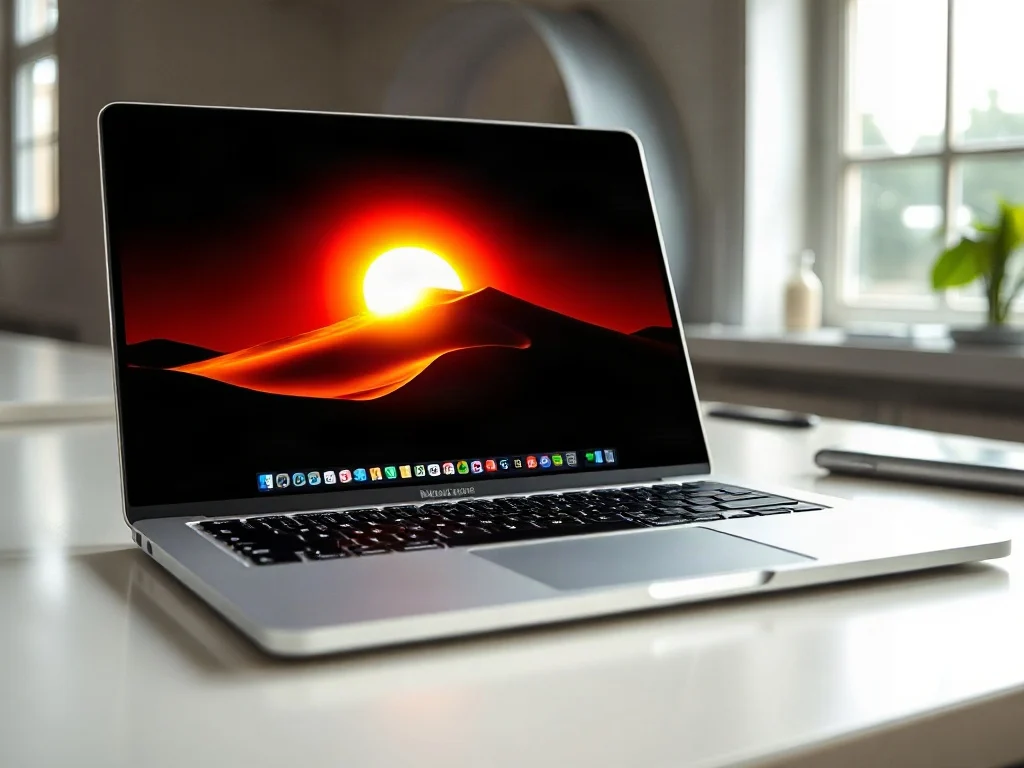
Apple’s latest MacBook Pro introduces a display feature that has drawn strong attention from professionals and enthusiasts alike: a touchscreen OLED panel rated at up to 2,000 nits of peak brightness, paired with deep, true blacks. For most laptop buyers, brightness and contrast figures are abstract numbers printed on a spec sheet. In practice, the combination of extreme luminance and per-pixel black control changes how HDR content, outdoor visibility, and color-critical work actually look. This article explains what the 2,000-nit OLED is, why it is technically unusual among shipping laptops, and what it means for buyers, creators, and the broader display industry.
Background: Understanding Nits, OLED, and HDR
A nit is a unit of luminance equal to one candela per square meter, and it is the standard way to express how bright a display can get. Typical office laptops have historically peaked at around 300 to 500 nits, while many premium notebooks reach 500 to 1,000 nits in HDR mode. Brightness alone, however, does not determine image quality. What matters is the contrast ratio, the difference between the brightest white and the darkest black a screen can produce.
An organic light-emitting diode (OLED) display differs fundamentally from a conventional LCD. Each pixel emits its own light, so a pixel can be switched off completely to produce true black. LCD panels, by contrast, rely on a backlight that filters through liquid crystals, which leaks some light even when a pixel is meant to be dark. The result is that OLED panels deliver near-infinite contrast in theory, which has made them dominant in smartphones and televisions. Laptops have lagged behind largely because of the technical challenges of producing large OLED panels with long lifespans and acceptable power consumption.
High dynamic range (HDR) content encodes highlights far brighter than standard dynamic range video, sometimes reaching several thousand nits in mastering. A display’s ability to reproduce those highlights, and to hold detail in them without clipping, depends heavily on its peak brightness and its tone mapping. This is why peak luminance figures have become a headline metric for HDR-capable hardware.
Why 2,000 Nits Is Unusual in a Laptop
Most laptop displays that advertise HDR use sustained brightness of several hundred nits, with brief peaks higher in small highlighted areas. A panel capable of 2,000 nits at its peak, especially one that is also a touchscreen OLED, sits well above the typical envelope. The reasons such brightness is hard to achieve in a portable device include heat, power draw, and burn-in risk. OLED pixels degrade faster when driven hard, so manufacturers usually cap sustained output to protect longevity.
Apple’s approach appears to rely on managing these trade-offs through dynamic control: the panel can deliver its highest luminance for short durations and in limited portions of the image, while lowering output for sustained full-screen content. Independent reviewers have generally noted that the very high figures apply most visibly to highlights rather than the entire screen at once. This distinction matters, because a headline peak value and a sustained full-field brightness are different measurements, and buyers should interpret specifications with that in mind.
Peak Brightness Versus Sustained Brightness
Display specifications often report several numbers, and they are not interchangeable. Peak brightness describes the maximum output in a small window or for a short time. Sustained brightness describes what the panel can maintain across most of the screen over longer periods. A device can excel at the first while being modest at the second. Readers comparing displays should look for measurements that specify the test conditions, including window size and duration.
The Role of Contrast and Black Levels
Luminance without contrast can look washed out. The reason the new panel attracts attention is that high peak brightness is paired with the near-zero black levels characteristic of OLED. When a bright specular highlight, such as a reflection of a light source or a glowing HDR sun, sits against a truly black background, the perceived dynamic range is dramatically greater than on an LCD of similar peak luminance. Because LCDs cannot fully darken their backlight locally except through local dimming zones, they often exhibit blooming, a halo of light around bright objects on dark backgrounds.
Real-World Implications for Creators and Everyday Users
For video editors, photographers, and colorists, the practical benefit lies in judging highlights accurately. Viewing HDR footage on a display that can reproduce highlights near their intended brightness reduces guesswork during grading. However, professional color work also depends on calibration, color gamut coverage, and consistency across the screen, not just peak output. Creators should verify whether the panel’s color accuracy meets their workflow requirements, and whether it supports the color spaces they deliver to, such as DCI-P3 or Rec. 2020 for HDR.
For everyday users, the most noticeable effects tend to appear in mixed media: HDR video streaming, photo libraries with high-contrast scenes, and games that use HDR lighting. Outdoor use also benefits from high peak brightness, since glare reduces readability on dimmer screens. At the same time, the touchscreen element introduces its own considerations, such as fingerprints on a dark glossy surface, and buyers should weigh whether a touch-enabled laptop suits their habits.
Common Mistakes When Evaluating Laptop Displays
- Comparing peak figures across different test methods: A 2,000-nit peak measured in a small window is not equivalent to 2,000 nits across the full display.
- Ignoring the content being viewed: Much standard content, such as web pages and documents, does not use HDR and will not reveal the panel’s advantages.
- Overlooking calibration: Brightness without accurate color and gamma settings can make images look impressive but inaccurate.
- Assuming burn-in is irrelevant: OLED users should consider static interface elements and use features designed to reduce retention.
Risks, Limitations, and Open Questions
Several factors remain uncertain as of this writing. Long-term durability of high-brightness OLED laptop panels will only become clear through extended field use, since OLED aging depends on usage patterns, temperature, and content. Power consumption at high brightness can also affect battery life, and independent battery tests under HDR conditions are the best guide to real-world runtime. Buyers should look for measured data rather than relying solely on manufacturer claims.
There is also a broader industry question. Display manufacturers are rapidly improving OLED efficiency and brightness, and competing panels from other vendors are advancing as well. Whether 2,000 nits becomes a benchmark that other laptops must match, or whether sustained brightness and color accuracy become the more meaningful differentiators, is still being determined by reviewers, creators, and consumers.
What to Watch Next
The most important insight from this development is that laptop displays are converging toward the performance standards once reserved for premium televisions and reference monitors. The 2,000-nit OLED is significant less because of a single number than because it signals that high dynamic range, true blacks, and touch interaction can coexist in a portable machine. Readers should watch for independent long-term testing, sustained-brightness measurements, and how competitors respond with their own OLED and mini-LED laptops. If those results confirm strong durability and efficiency, the expectation for what a laptop screen should deliver will likely shift permanently upward.
Frequently Asked Questions
¿Qué significa realmente que el panel alcance 2.000 nits?
Indica el brillo máximo que puede alcanzar en picos de luz, normalmente en áreas pequeñas o durante breves instantes. No significa que toda la pantalla brille a esa intensidad de forma continua. Para entender el rendimiento real conviene revisar el brillo sostenido y las condiciones de la prueba, como el tamaño de la ventana medida y su duración.
¿Por qué un OLED mejora tanto el contraste frente a un LCD?
Cada píxel OLED emite su propia luz, así que puede apagarse por completo y producir negro real. Los paneles LCD dependen de una retroiluminación que filtra a través de cristales líquidos, y siempre se filtra algo de luz incluso en zonas que deberían ser oscuras. Esa diferencia permite al OLED ofrecer un contraste prácticamente ilimitado en teoría.
¿Por qué no hay más portátiles OLED de este brillo si la tecnología ya existe?
Los paneles OLED grandes son difíciles de fabricar con vida útil prolongada y consumo aceptable de energía. Además, los píxeles se degradan más rápido cuando funcionan a máxima potencia, lo que provoca quemado de imagen. Por eso los fabricantes suelen limitar el brillo sostenido en un equipo portátil.
¿Este brillo sirve para ver contenido HDR de forma notable?
Sí, sobre todo porque el HDR codifica destellos y reflejos mucho más brillantes que el vídeo estándar. Un pico alto permite reproducir esos highlights sin recortar detalle. Sin embargo, el beneficio se percibe principalmente en las zonas luminosas, mientras que las escenas completas dependen más del brillo sostenido y del mapeo de tonos.
¿Cómo debo comparar este portátil con otros al leer especificaciones de brillo?
Compara siempre el brillo máximo, el brillo sostenido a pantalla completa y el contraste, no solo el número más alto. Revisa las condiciones de medición indicadas por el fabricante o por los análisis independientes. Un panel con pico moderado pero contraste muy alto puede verse mejor que otro con cifras de pico mayores.